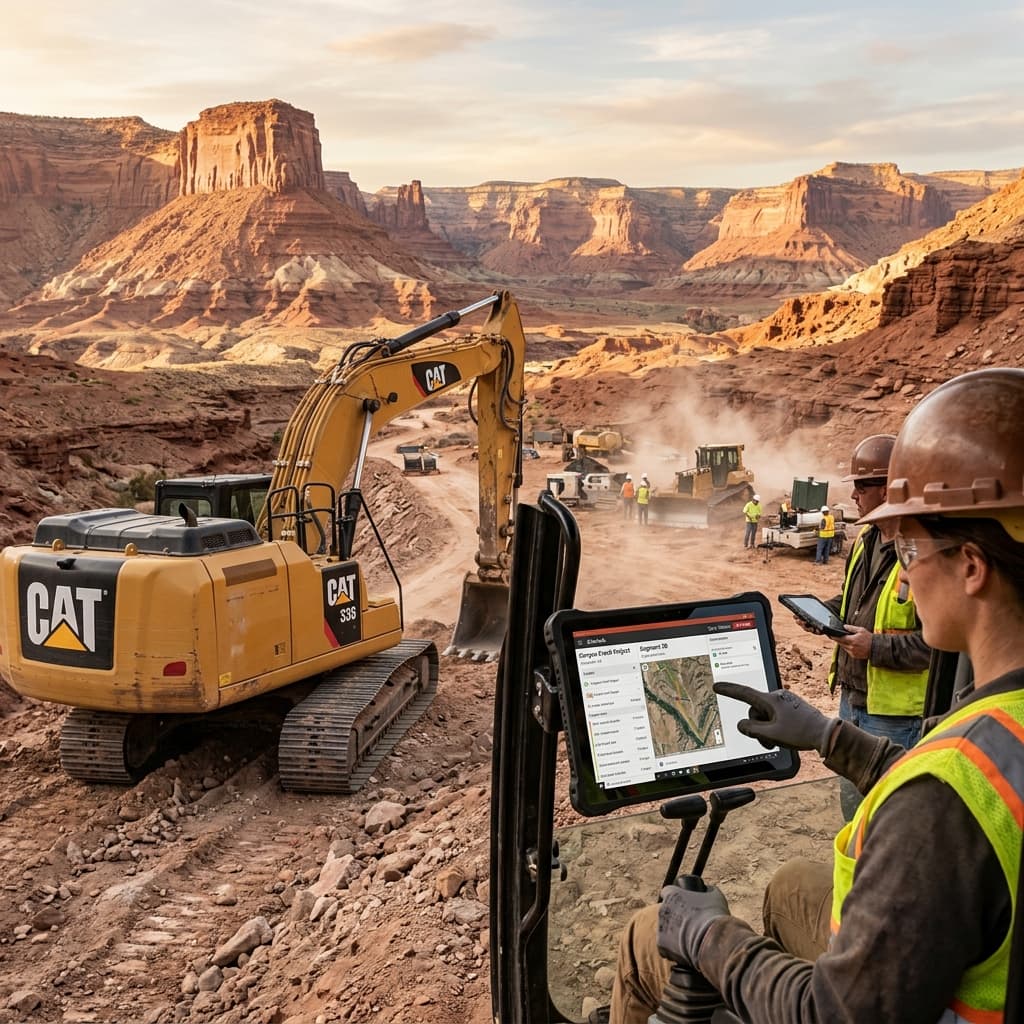
The Connectivity Constraint
The construction industry has been heavily targeted by large-scale SaaS platforms (e.g., Procore), which aim to digitize various aspects of the job site. However, significant challenges in adoption persist. The main issue lies in software design: these applications are crafted for general contractors in office settings, not for superintendents managing projects where connectivity is minimal.
Generic construction software often breaks down due to its "Cloud-First" architecture. When a foreman enters regions like concrete basements or rural sites devoid of cell coverage, the application becomes useless, forcing the foreman to revert to traditional paper methods. Such lapses result in the project management system missing critical data points.
The Offline-First Architecture
Slickrock.dev's architecture employs an Offline-First approach to guarantee seamless operation even in areas without connectivity. The solution makes extensive use of local databases like SQLite and advanced CRDT for data synchronization, ensuring uninterrupted functionality.
Key Insight
The Local Database: Instead of making API calls to a server, the React Native mobile app reads and writes directly to a local SQLite or WatermelonDB on the device. This ensures continuity and responsiveness during connectivity outages; the application remains functional with no perceived latency.
Upon re-establishing connectivity (such as when returning to the job trailer), a synchronization engine updates the central PostgreSQL database with local changes and fetches any new data, like blueprints or schedule updates, without manual intervention.
Key Features
- CRDTs for Conflict Resolution: Ensures consistent data merging when multiple users make conflicting changes offline, backed by deterministic timestamping.
- Binary Asset Pre-Fetching: Download heavy assets like PDFs, BIM models, and images when online, ensuring rapid access offline.
- Native Hardware Integration: Direct interaction with measurement tools and cameras, supplementing functionality unavailable in web-based SaaS platforms.
- Ruggedized UI Design: Elevates user experience with features for harsh environments, such as large touch targets and voice-to-text input.
Procore vs. Custom Platform: The Job Site Reality
Gauging Slickrock.dev's custom solutions against generic SaaS, the distinction in offline capabilities, cost efficiency, and user adoption becomes evident. Below is a comparative analysis.
| Dimension | Procore / Generic SaaS | Custom Offline-First Platform |
|---|---|---|
| Offline Capability | None (cloud-dependent) | Full offline read/write with CRDT sync |
| Per-Seat Licensing | $200+/user/month | $0 (unlimited users including subs) |
| Field Worker Adoption | Low (UI designed for office) | High (UI designed for job site conditions) |
| Blueprint Loading | Cloud fetch (slow, fails offline) | Local cache (200ms, always available) |
| Hardware Integration | Limited to web APIs | Native Bluetooth, NFC, drone camera access |
| Sub-Contractor Access | Expensive ($200/seat each) | Free (unlimited logins at hosting cost only) |
Defeating the Per-Seat Tax in Construction
For construction firms, the cyclical involvement of numerous sub-contractors and temporary workers makes per-seat SaaS models prohibitively expensive. Providing full Procore licenses for a 200-person project could exceed $40,000 monthly.
Developing a custom platform not only eradicates this financial burden but also grants software ownership, allowing unlimited access for a marginal cloud hosting fee.
""We gave every sub-contractor on a 300-unit condo project access to our custom platform. Procore would have cost us $45,000/month in per-seat fees. Our custom system costs $800/month to host and works in the elevator shafts where Procore doesn't."
"
Implementation Steps:
- Audit Current Connectivity: Assess signal reliability across prominent job sites.
- Analyze SaaS Costs: Include expenses related to sub-contractor access.
- Identify Paperwork Bottlenecks: Spot workflows reverting to outdated methods.
- Evaluate Offline-First Database Options: Consider SQLite, WatermelonDB, or CouchDB/PouchDB.
- Pilot Custom Solution: Deploy a trial tool with offline-first architecture on a select job site.
Financial Modeling and ROI of Custom Software
Opting for Slickrock.dev's custom software not only mitigates connectivity woes but delivers significant cost savings and efficiency gains. Transitioning from a conventional SaaS model potentially provides immense financial relief.
Assume a mid-sized construction firm typically incurs $40,000 monthly on SaaS fees for 200 users. Migrating to a custom platform could slash hosting costs to $800, leading to annual savings of approximately $470,000. The ROI isn't limited to expense reduction; it encompasses improved productivity, reduced downtimes, and heightened data accuracy—all culminating in more efficient project management.
Key Insight
Operational Efficiency: The perpetuation of field productivity in no-signal zones curtails delays, bolsters data reliability, and facilitates superior decision-making and project outcomes.
Technical Architecture: A Deep Dive
Slickrock.dev's technical architecture is constructed for durability and scalability. It incorporates cutting-edge components like React Native, PostgreSQL, and vector databases to ensure a comprehensive and adaptable solution.
Architectural Components
- React Native for Cross-Platform Development: Provides the capability to develop performant mobile applications compatible with both iOS and Android.
- PostgreSQL for Robust Data Management: Offers extensive data handling features, enabling the execution of complex queries and management of expansive datasets.
- Vector Databases for Enhanced Search: Optimizes document and image retrieval efficiency, particularly critical in offline scenarios.
- CRDTs for Data Consistency: Facilitates seamless data convergence by automatically resolving conflicts, even during extended offline periods.
The integration of these technologies results in a robust architecture poised to transform construction site operations, emphasizing data consistency, offline functionality, and scalability.
Why Generic Construction Software Fails at Scale
The construction technology market is flooded with platforms designed for "every" contractor—from residential remodelers to $500M commercial general contractors. This one-size-fits-all approach creates fundamental architectural mismatches that compound as your firm grows:
- Rigid Workflow Models: Off-the-shelf platforms enforce standardized change order and RFI workflows that rarely match the complex approval hierarchies of commercial construction firms managing multiple simultaneous projects.
- Poor Field Connectivity: Most SaaS construction tools assume constant internet connectivity, yet job sites frequently operate in areas with limited or zero cellular coverage, causing data loss and duplicate entries.
- Integration Limitations: Connecting your field management tool to your accounting system (Sage, Viewpoint) typically requires expensive middleware, introducing latency and sync errors into your financial reporting pipeline.
- Per-Seat Cost Escalation: As your firm scales from 50 to 200+ field users, per-seat licensing fees compound into six-figure annual expenditures without proportional value delivery.
For industry analysis on construction technology adoption barriers, see McKinsey's research on digital transformation in construction.
The AI engineering landscape in 2026 demands a fundamentally different skill set than traditional software development. Production AI systems require expertise spanning model selection, prompt engineering, inference optimization, monitoring for quality degradation, and cost management: a combination of skills that barely existed as a coherent discipline three years ago. The scarcity of engineers who can simultaneously architect RAG pipelines, fine-tune foundation models, and deploy them at scale within enterprise security boundaries has created a talent market where demand exceeds supply by approximately 4:1.
The most common failure mode in enterprise AI deployment is not technical but organizational. Companies invest heavily in model development but underinvest in the production infrastructure required to serve those models reliably at scale. Monitoring, A/B testing, cost guardrails, fallback logic, and graceful degradation patterns are the unglamorous engineering challenges that determine whether an AI feature delights users or becomes an expensive embarrassment.
For industry research and benchmarks, see Stanford HAI AI Index Report.
The Production AI Maturity Model
Enterprise AI maturity follows a predictable progression: Level 1 (Experimentation) uses third-party APIs for isolated use cases. Level 2 (Integration) embeds AI into existing workflows with human oversight. Level 3 (Automation) deploys autonomous AI agents for end-to-end process execution. Level 4 (Optimization) uses AI to continuously improve its own performance through reinforcement learning on production outcomes. Most enterprises are stuck at Level 1-2 because the jump to Level 3 requires the kind of deep infrastructure investment, custom tooling, and engineering discipline that marketplace-sourced talent simply cannot provide.
The economics of AI inference at enterprise scale demand careful architectural planning. A naive deployment using GPT-4 class models for every request can easily consume $50,000-$100,000 per month in API costs. Sophisticated architectures use tiered inference: lightweight models handle 80% of routine requests at pennies per call, mid-tier models process complex queries, and frontier models are reserved for edge cases requiring maximum capability. This tiered approach typically reduces inference costs by 75-85% while maintaining equivalent output quality for the vast majority of production requests.
Building AI That Learns From Your Operations
The ultimate value proposition of custom AI systems is operational learning. Unlike generic AI tools that provide the same capabilities to every user, custom systems continuously improve by learning from your specific operational patterns, customer interactions, and decision outcomes. A custom AI dispatch assistant trained on 50,000 of your historical load assignments develops load-matching intuition that is fundamentally different from, and superior to, a generic tool trained on anonymized industry data. This personalized intelligence compounds over time, creating an ever-widening competitive moat.
The security implications of AI deployment in enterprise environments are frequently underestimated. Every prompt sent to a third-party AI API potentially exposes proprietary business data, customer information, and strategic intelligence. Enterprise-grade AI deployment requires a Zero-Trust architecture: encrypted channels, data residency controls, prompt sanitization, and output filtering. Custom AI platforms implement these controls at every layer of the stack, ensuring that the productivity gains from AI do not come at the cost of data sovereignty or competitive intelligence leakage.
The Human-AI Collaboration Framework
Effective enterprise AI deployment requires a carefully designed human-AI collaboration framework where AI systems augment human judgment rather than attempting to replace it. The most successful implementations follow a graduated autonomy model: AI handles routine decisions autonomously, flags ambiguous cases for human review with recommended actions, and escalates novel situations to expert judgment with full context. This framework requires custom engineering because the boundaries between routine, ambiguous, and novel are unique to every business operation and cannot be configured through a generic platform settings panel.
The observability stack for production AI systems must capture dimensions that traditional application monitoring ignores. Beyond latency and error rates, AI systems require monitoring of output quality metrics (hallucination rates, factual accuracy scores, relevance ratings), cost efficiency metrics (cost per inference, tokens per response), and drift metrics (distribution shifts in input patterns, degradation in output quality over time). Custom observability dashboards built on Prometheus and Grafana provide this multi-dimensional visibility at a fraction of the cost of vendor-specific AI monitoring platforms that charge per-inference pricing.